2. Browsable API
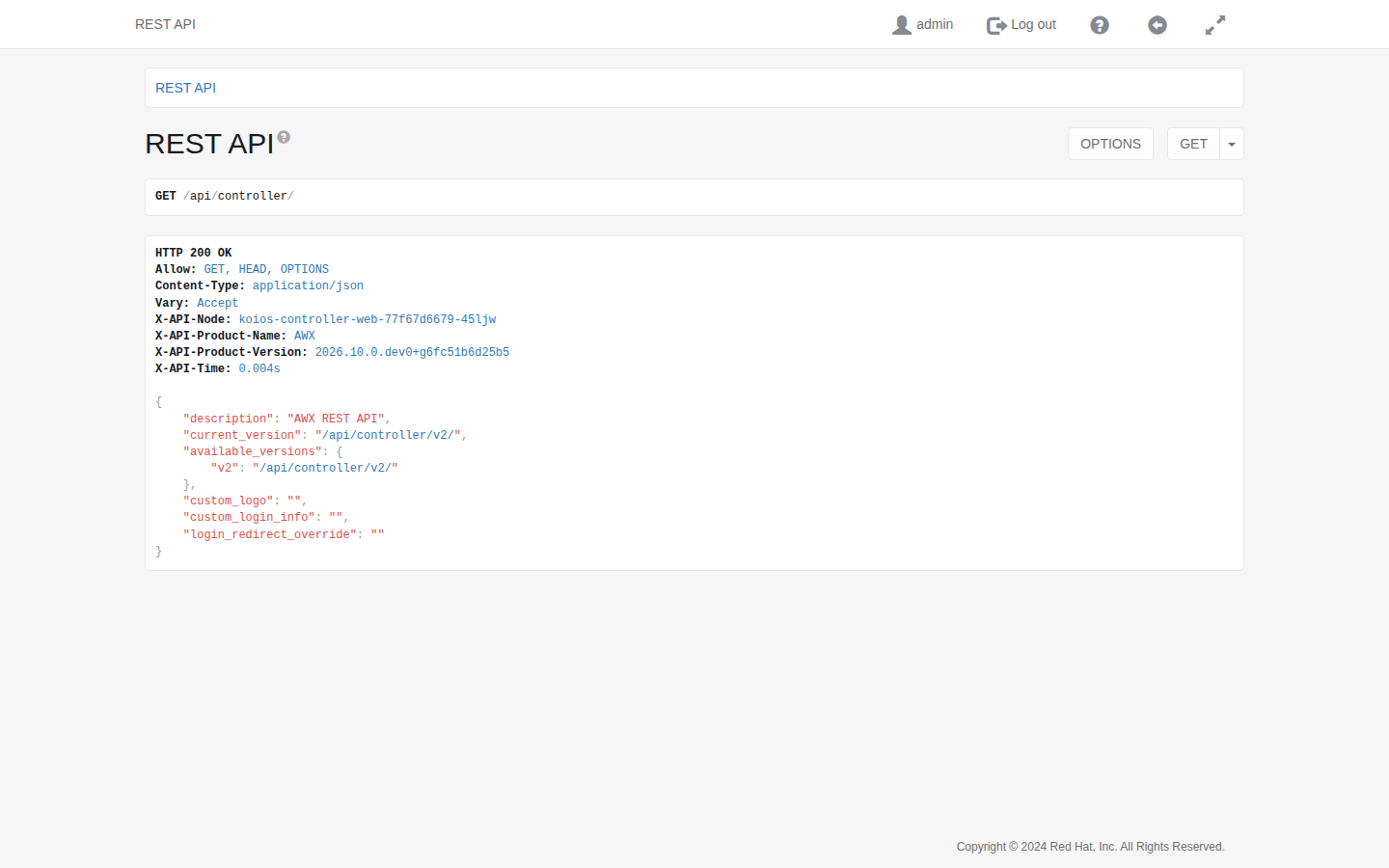
REST APIs provide access to resources (data entities) via URI paths. You can visit the automation controller REST API in a web browser at https://<koios host>/api/controller/, after logging in to the platform; the browser uses the session of the platform.
A GET on /api/controller/ gives the current_version, which is the recommended version, and the available_versions. Automation controller supports version 2 of the API; click its link to open it.
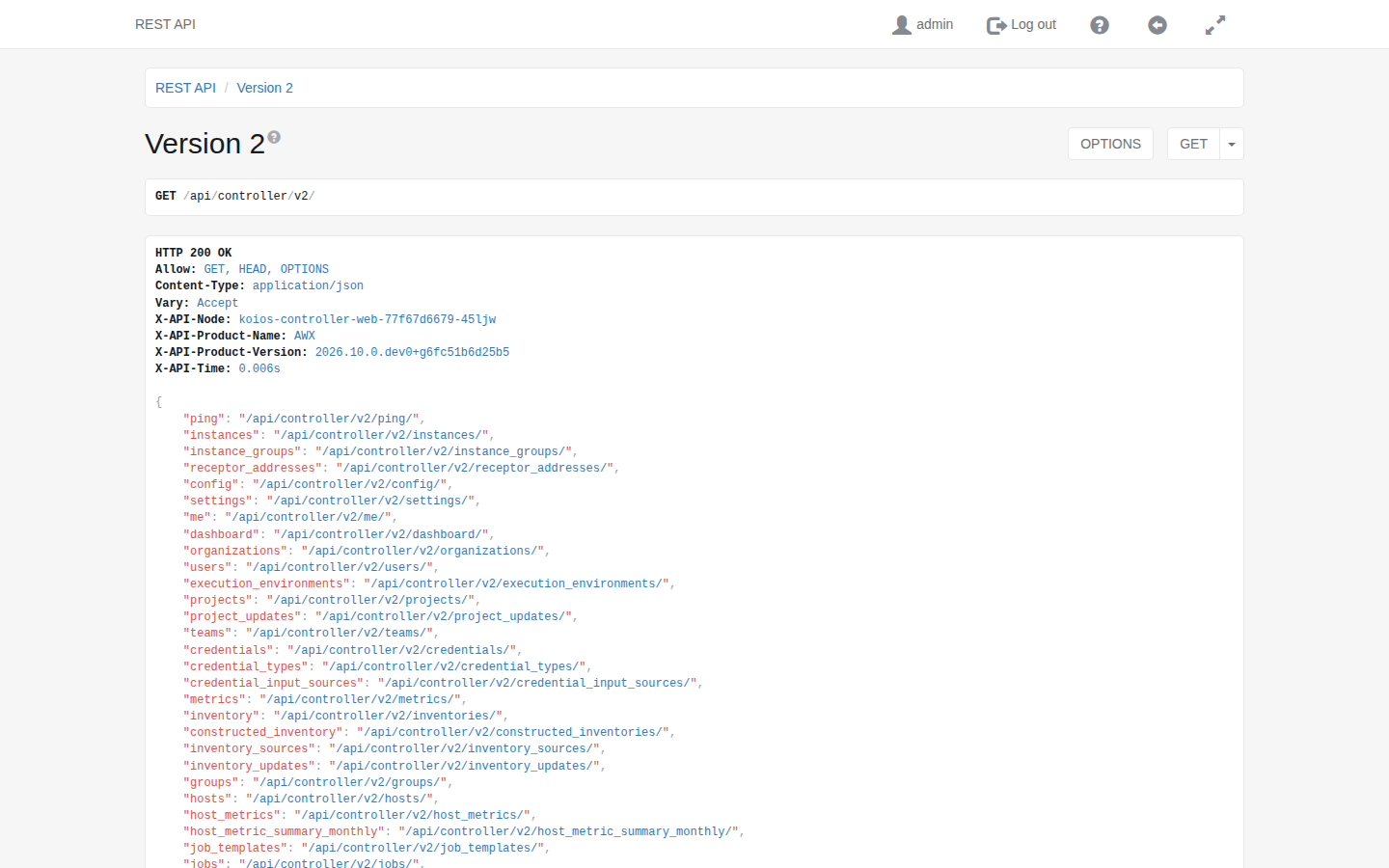
The root of version 2, /api/controller/v2/, lists the resources of automation controller:
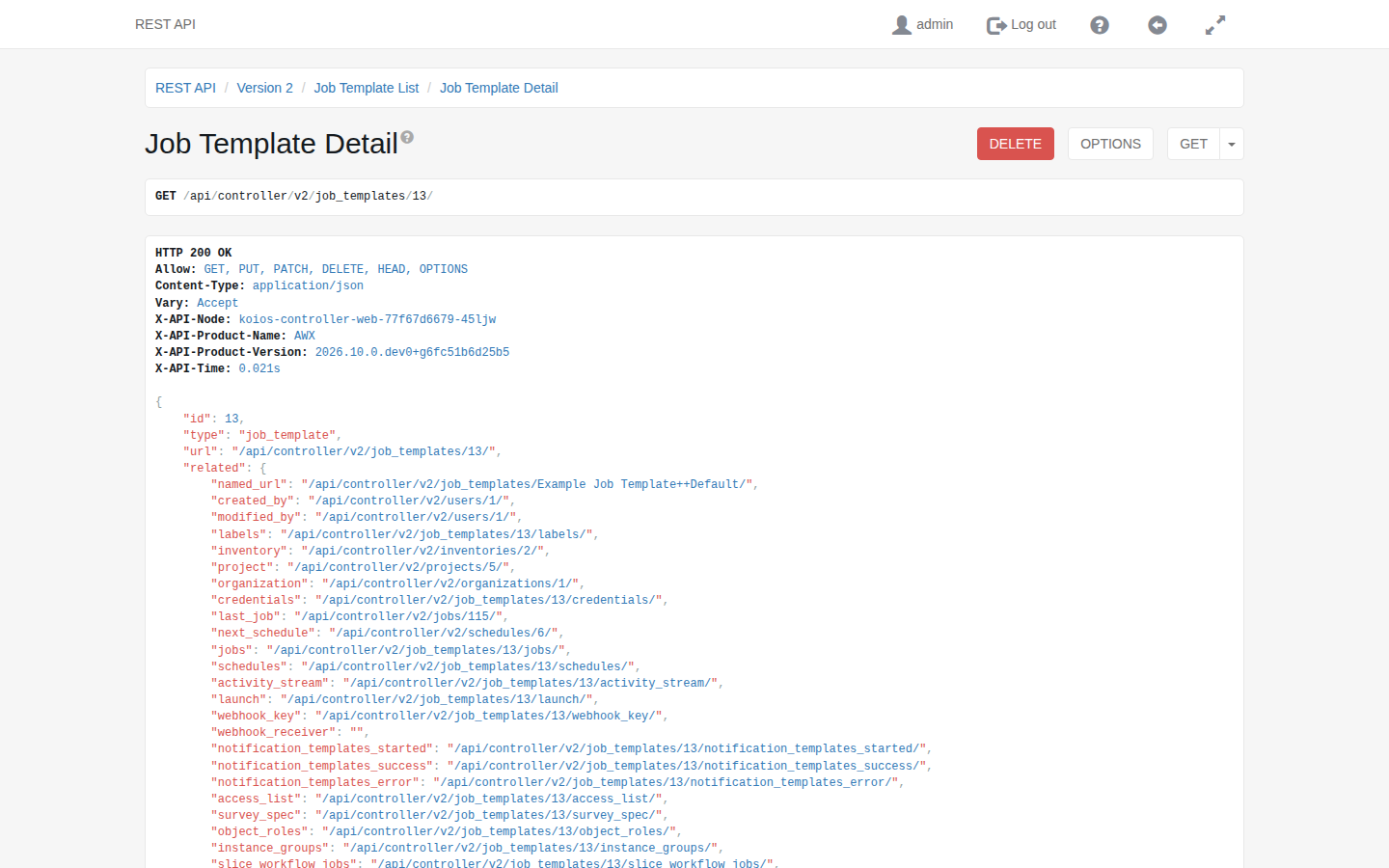
Clicking on the links in the API allows you to explore related resources. For example, the related section of a job template links to its inventory, project, credentials, jobs, schedules and launch endpoint.
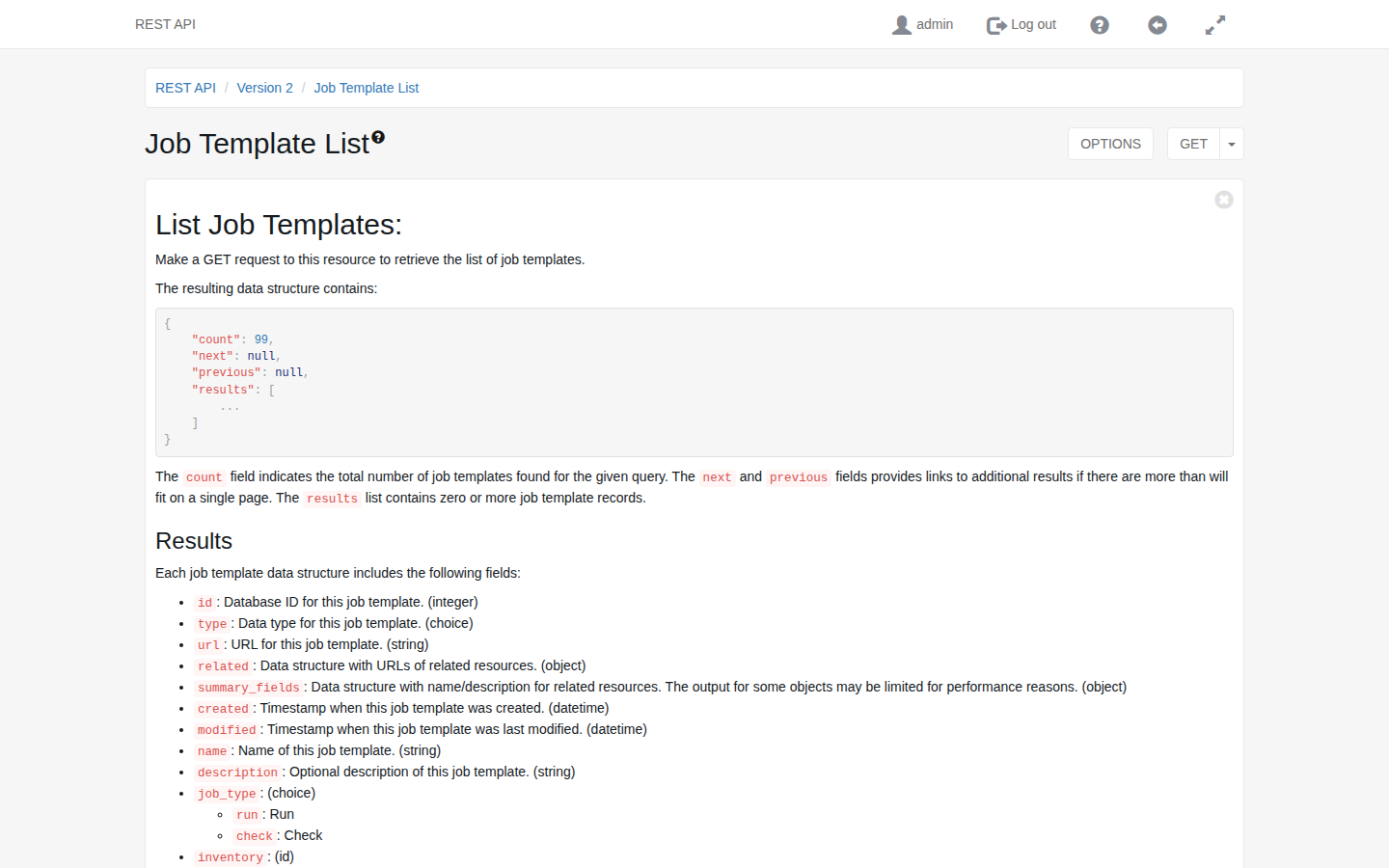
Clicking the question mark next to the page name shows the documentation of that endpoint: the access methods it supports and the data returned when using those methods. The OPTIONS button shows the same information as data, including the fields that can be filtered and their choices.
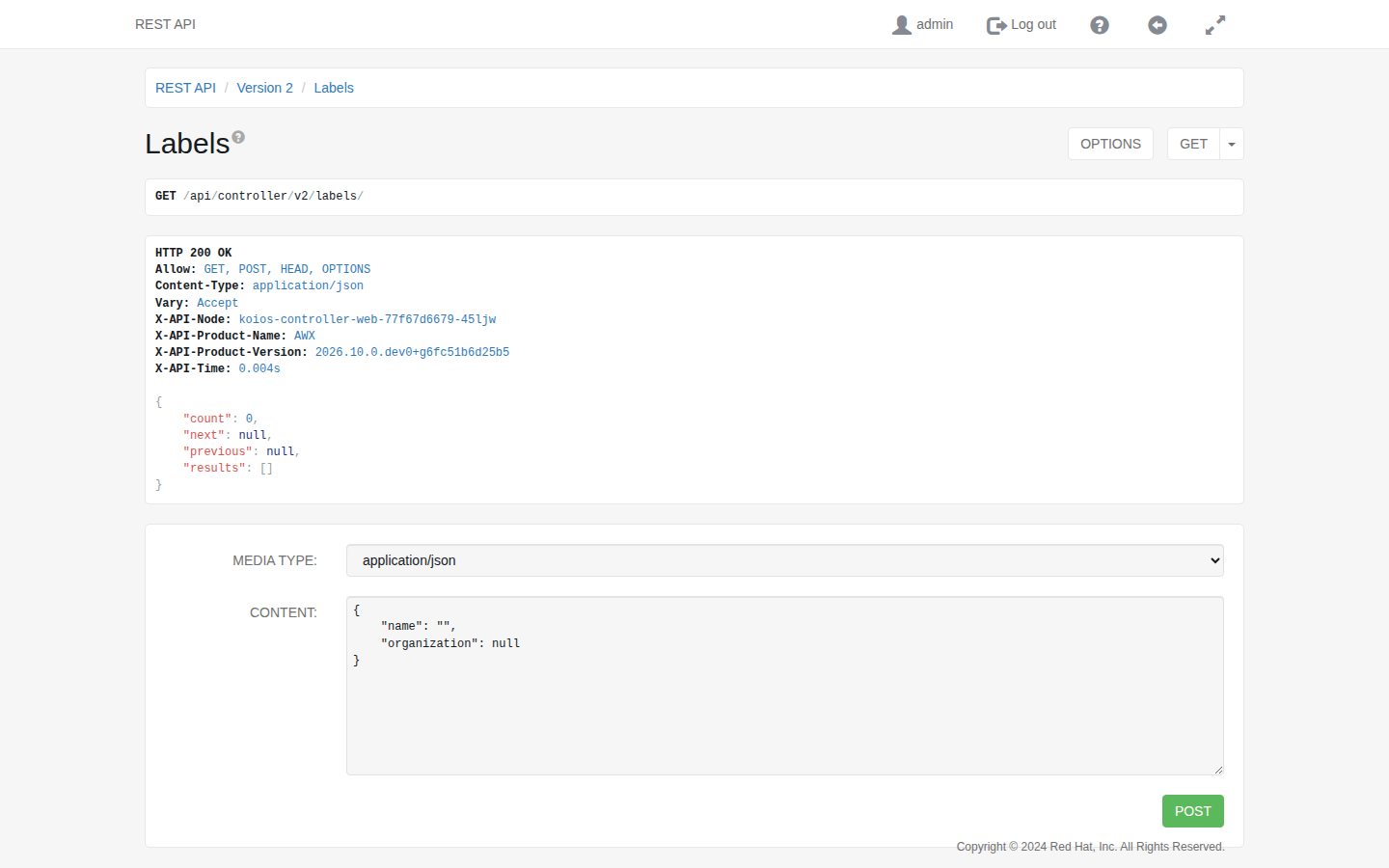
You can also use the PUT, PATCH and POST verbs on the API pages that allow them, by writing JSON in the Content field of the form at the bottom of the page and clicking the button of the verb. The Allow header of the response lists the verbs that you can use on that endpoint.
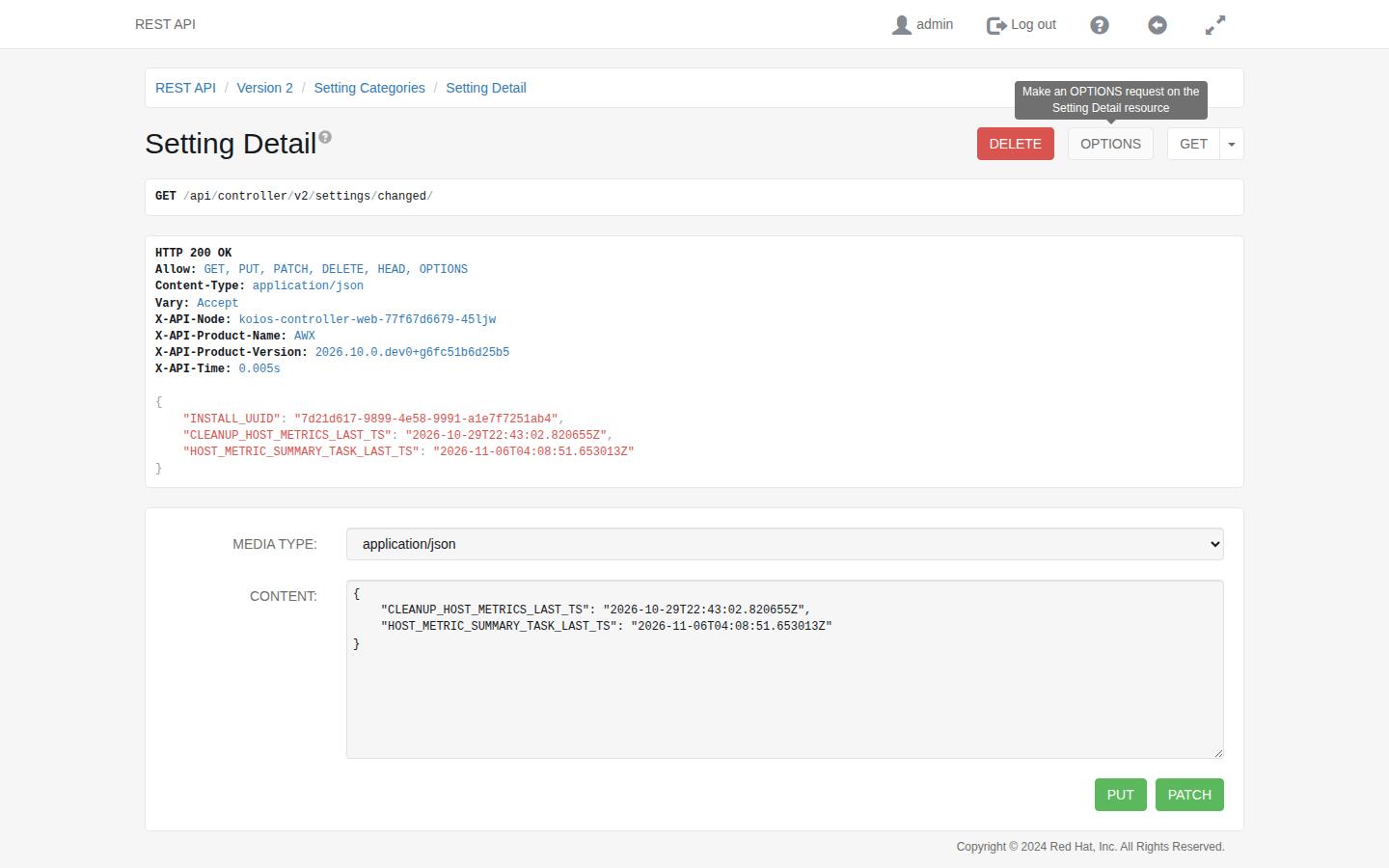
You can also view the settings stored in the database at the /api/controller/v2/settings/changed/ endpoint: the settings changed through the API or the user interface, and values that automation controller writes itself, such as the timestamps in this example. It does not show the settings that come from static settings files, such as those set by the operator.