21. Isolation functionality and variables
Automation controller runs jobs in execution environments, with project content, inventory and the credential data needed for the run. This isolates execution from the controller host; it does not restrict a playbook to reading only its project directory.
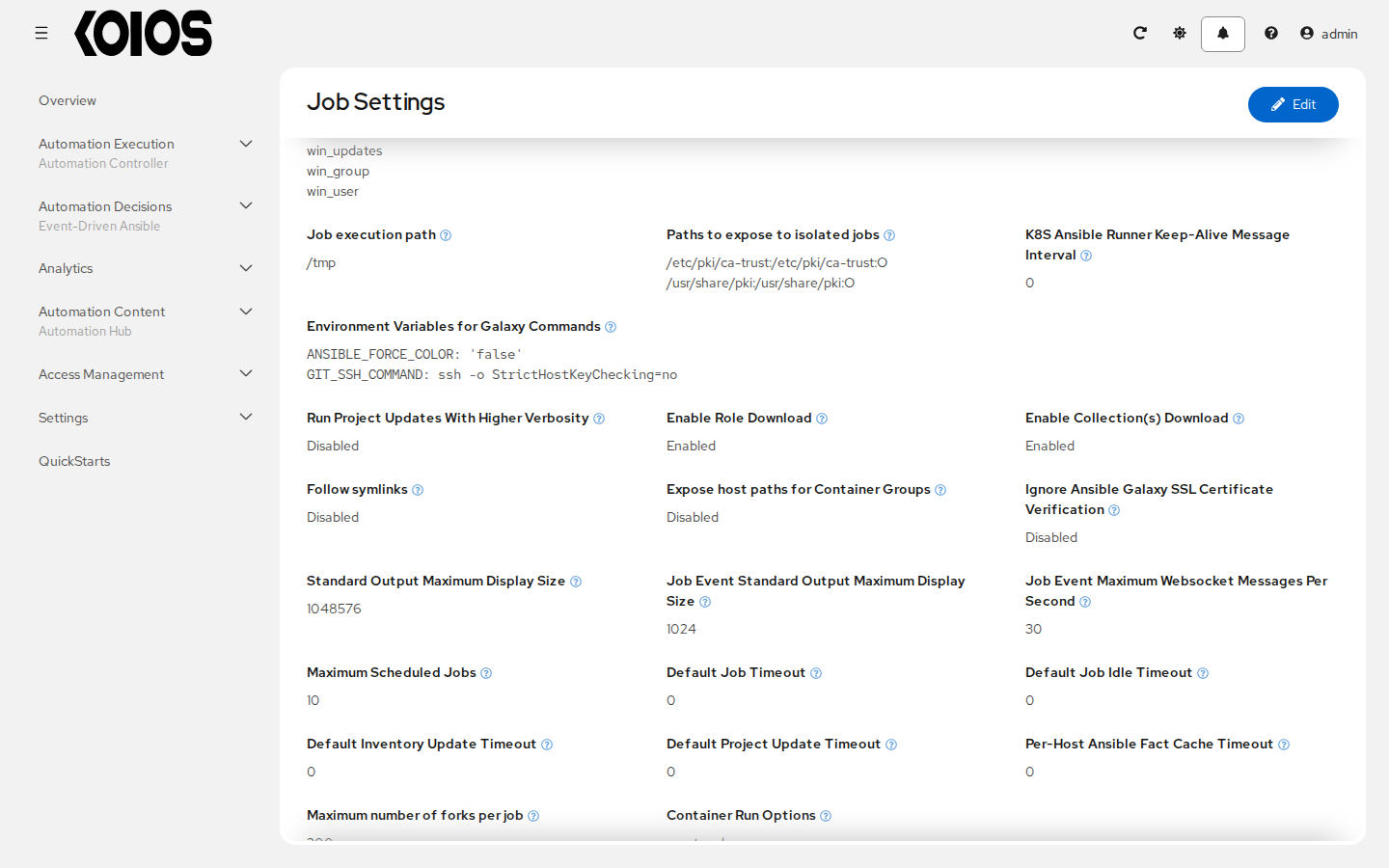
The job staging directory defaults to /tmp. Configure Job execution path in Settings > Automation Execution > Job, or AWX_ISOLATION_BASE_PATH in /api/controller/v2/settings/jobs/, to change that base path on the execution host. For example:
AWX_ISOLATION_BASE_PATH = "/opt/tmp"
For execution nodes outside Kubernetes that run execution environments with Podman, Paths to expose to isolated jobs (AWX_ISOLATION_SHOW_PATHS) adds host paths to the job container. For example:
AWX_ISOLATION_SHOW_PATHS = ["/srv/job-data:/srv/job-data:ro"]
These paths must exist on the execution node where the job runs; a path on the controller host is not automatically available on another node.
Container groups, the default execution path in Koios Automation Platform, use Kubernetes pods instead. AWX_ISOLATION_SHOW_PATHS only adds mounts there when Expose host paths for Container Groups (AWX_MOUNT_ISOLATED_PATHS_ON_K8S) is enabled. The resulting hostPath volumes refer to the Kubernetes node that runs the pod, and require cluster security policies that allow those mounts. Setting the path list alone does not expose controller files in a container group.
For storage supplied through the container group’s custom pod specification, configure the pod’s volumes and the execution container’s volumeMounts for the storage you need. Use credentials to supply authentication data rather than exposing a host’s entire SSH directory.