
8. Teams
A Team is a subdivision of an organization with its users. Roles given to a team apply to all its members, so you can grant access to a whole team instead of each user.
Teams belong to the platform and are shared by automation controller, Event-Driven Ansible and automation hub. Open Access Management > Teams; the list can be searched and sorted.
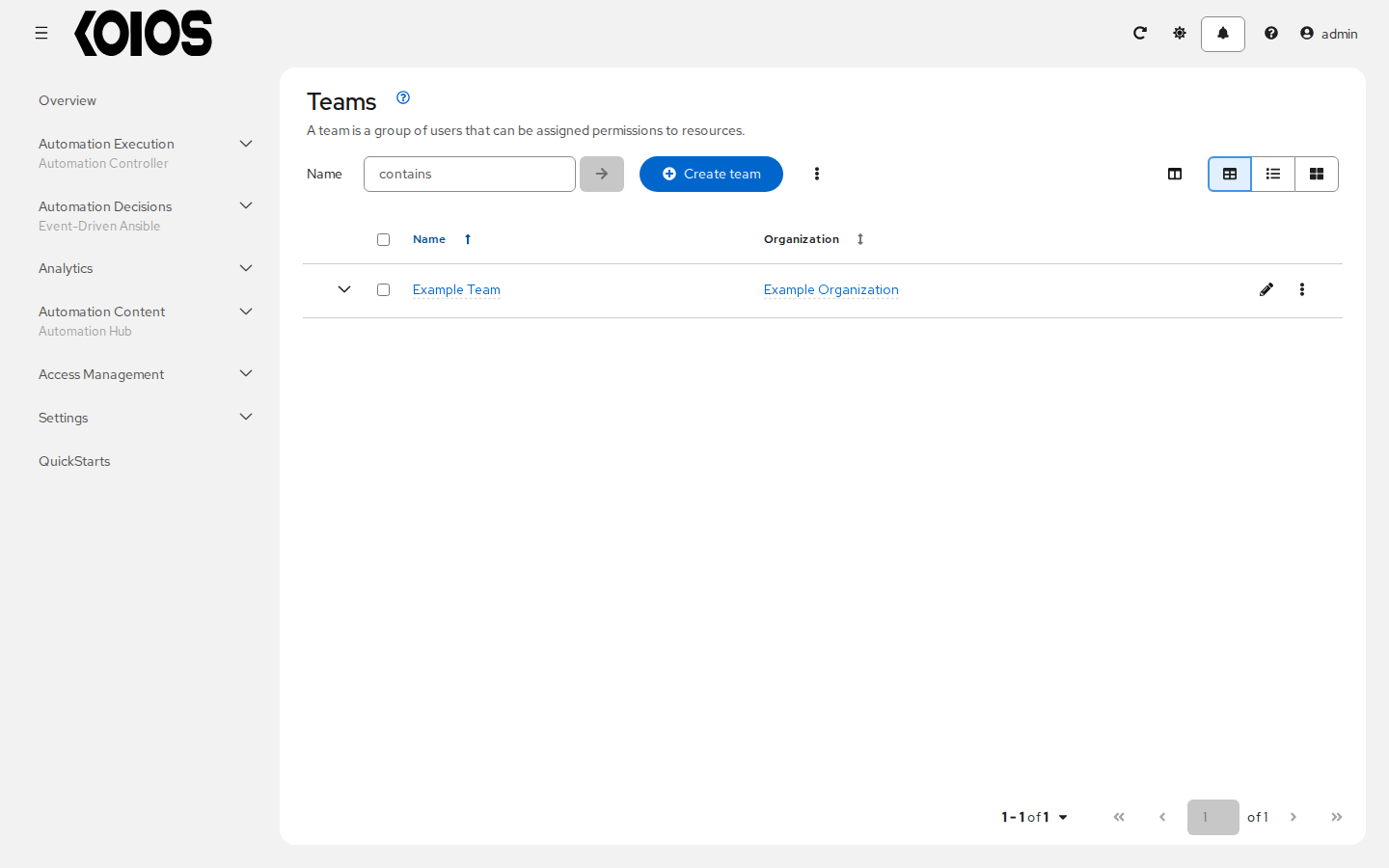
8.1. Create a Team
Click Create team.
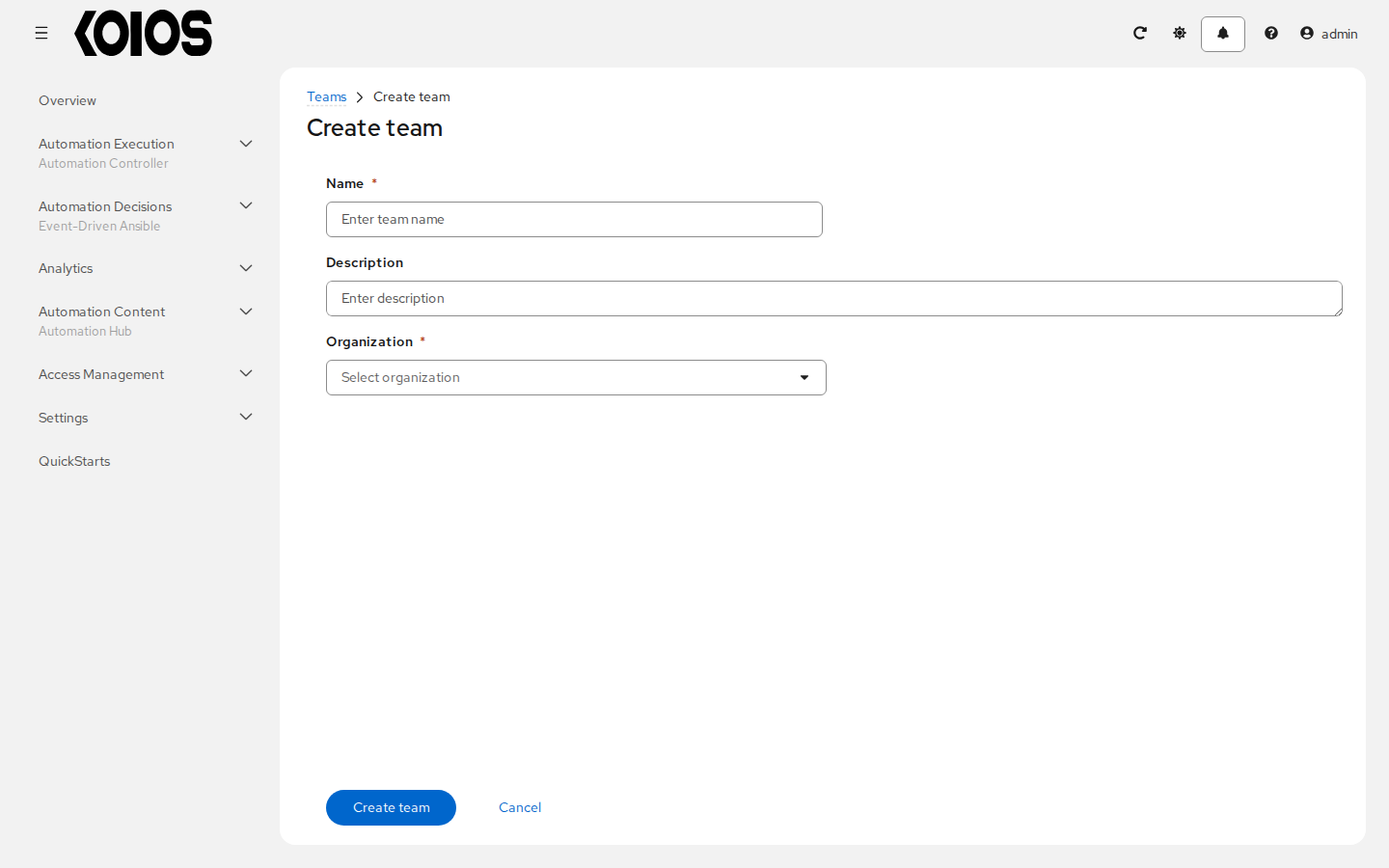
Enter the Name (required), a Description and the Organization of the team (required).
Click Create team. The team page opens on its Details tab, where Edit team changes it.
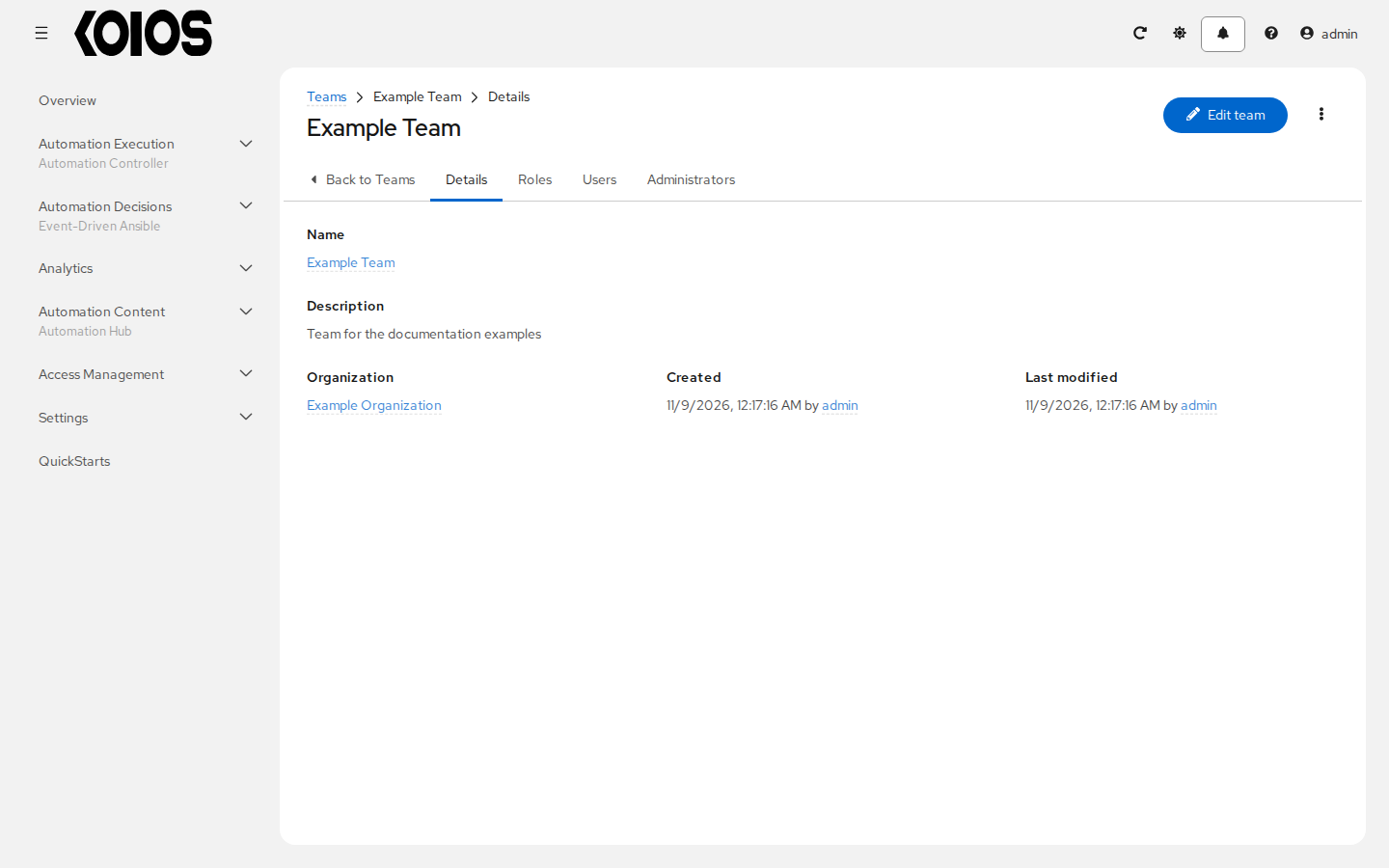
8.2. Team Users
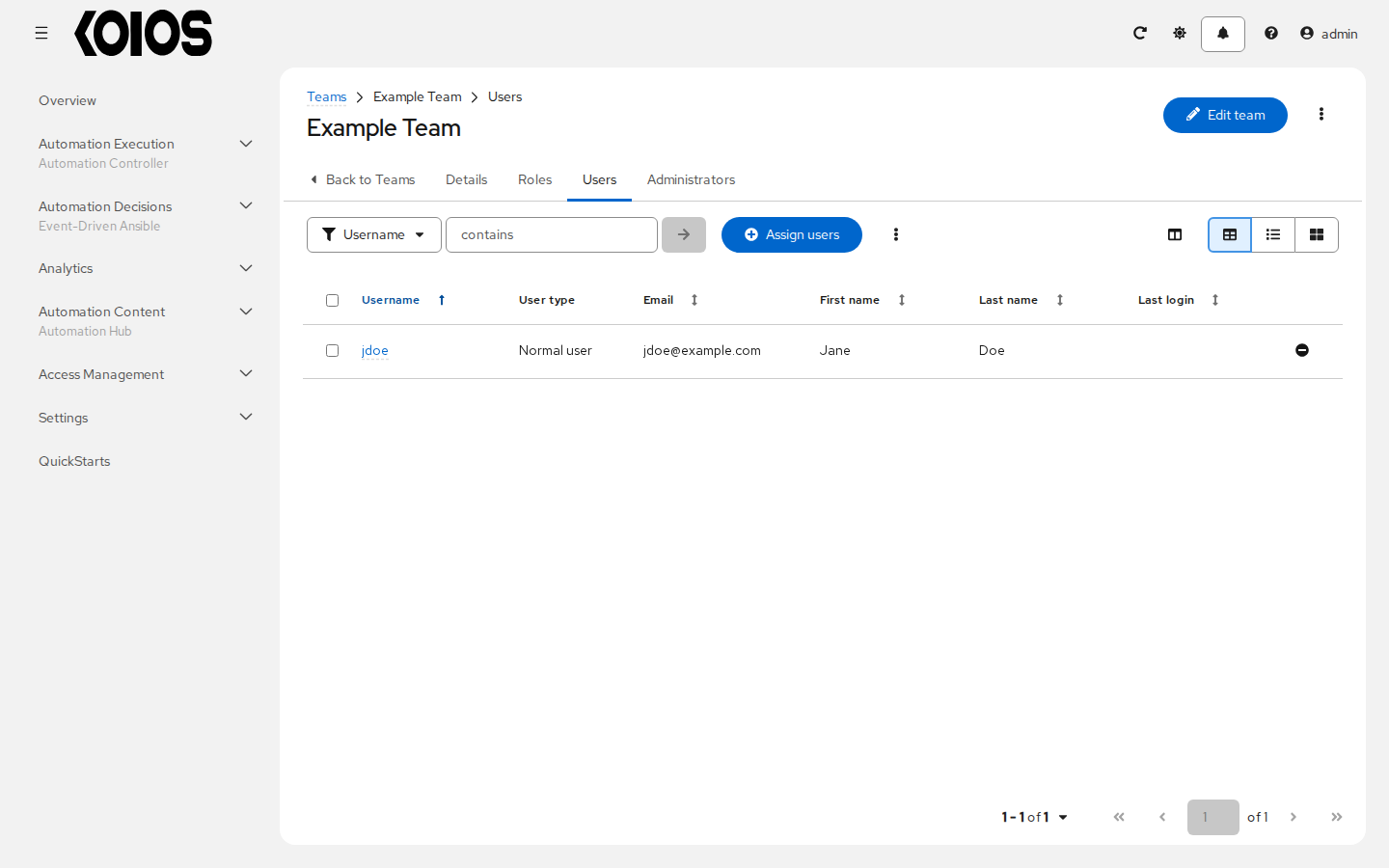
The Users tab lists the members of the team; Administrators lists who manages it. To add existing users, click Assign users in the Users tab. Users must exist first; see Create a User.
8.3. Team Roles
The Roles tab lists the roles of the team on resources of the platform, such as job templates, inventories, projects or credentials. Every member of the team inherits them.
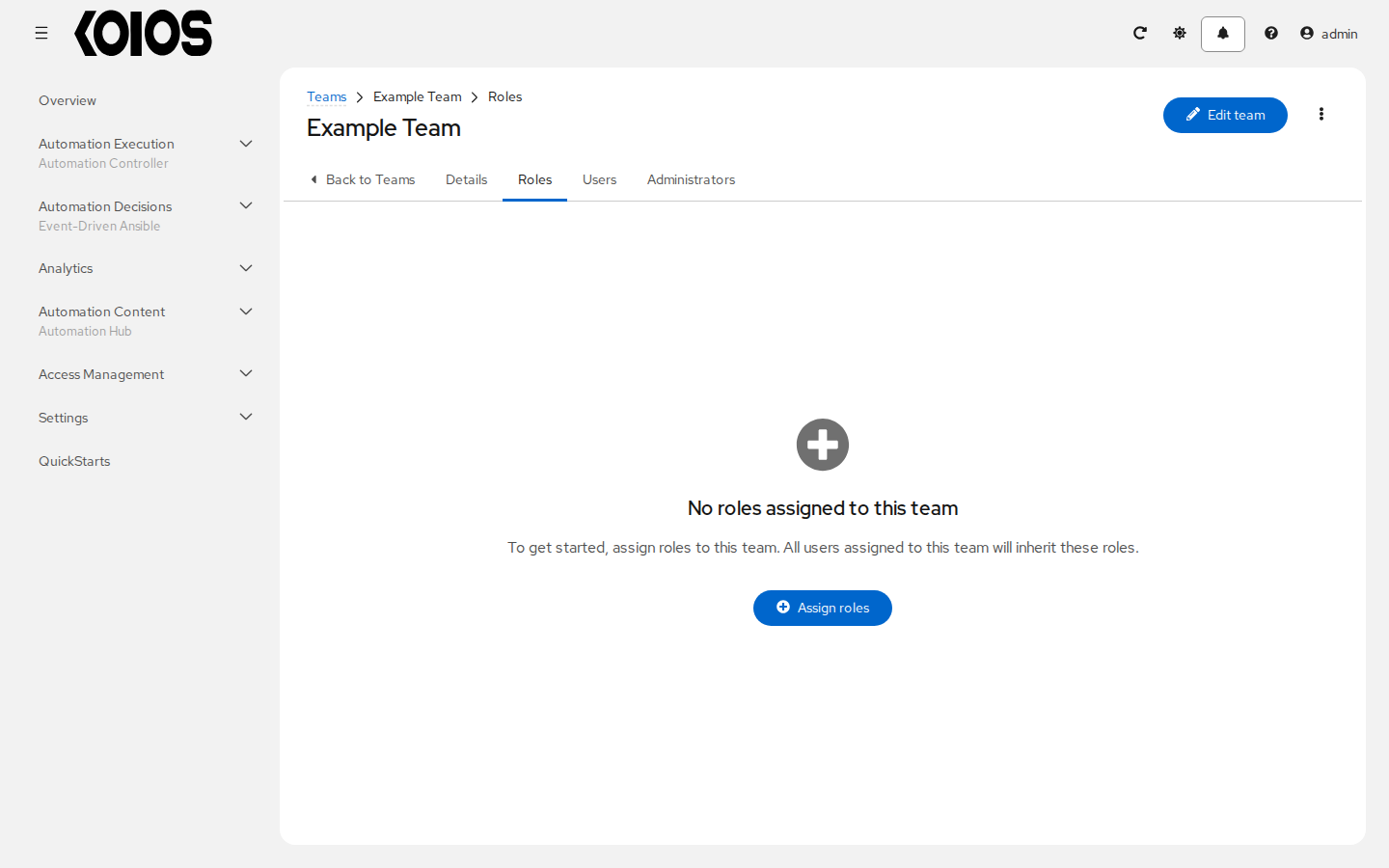
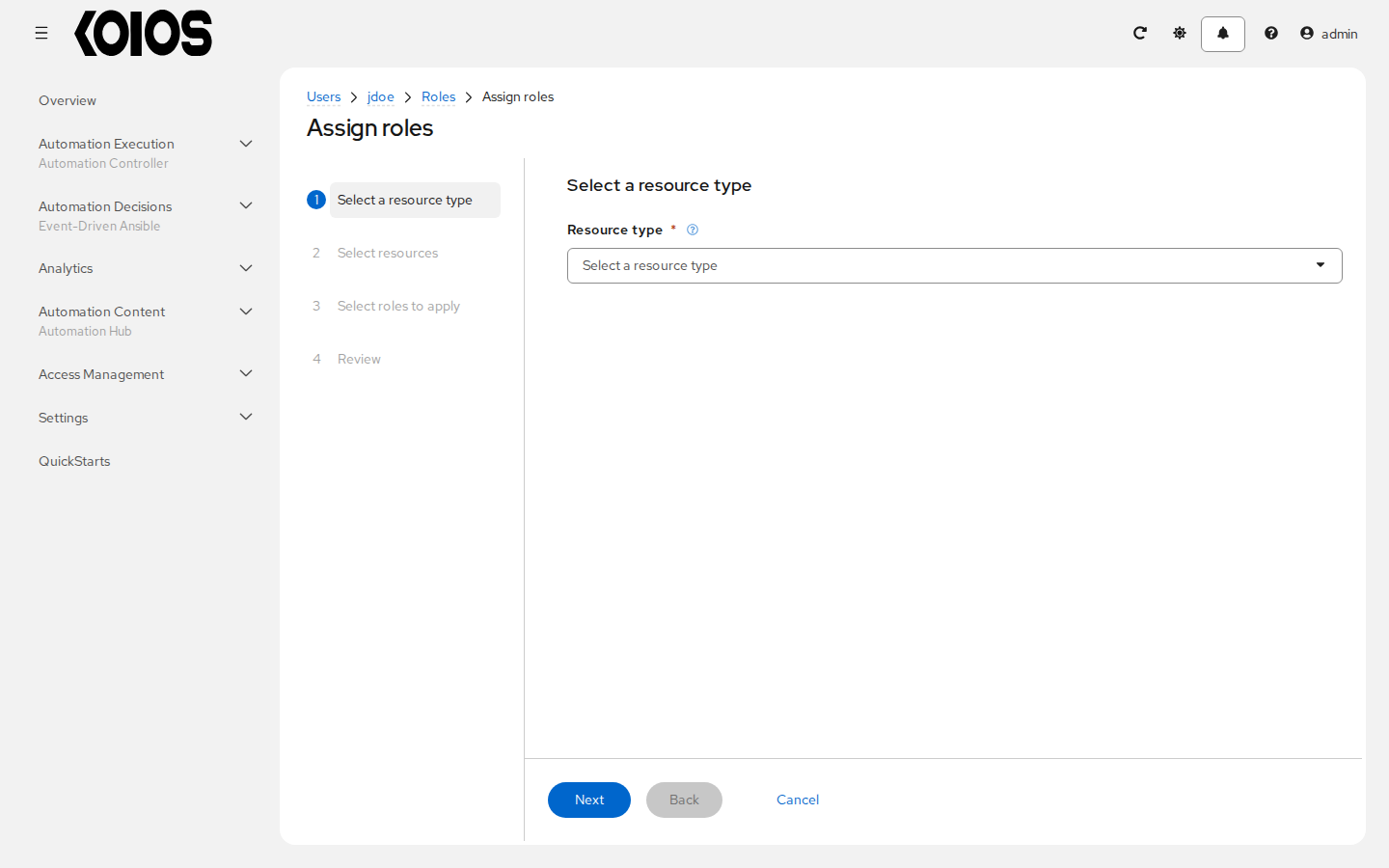
To give the team roles, click Assign roles. The wizard has four steps:
Select a resource type, for example job template or inventory;
Select resources of that type;
Select roles to apply to them;
Review, then Finish.
To remove a role, use the remove button at the end of its row and confirm.