
8. Review the Credential
Credentials supply authentication data for managed hosts, source control, registries and other integrations. Open Automation Execution > Infrastructure > Credentials.
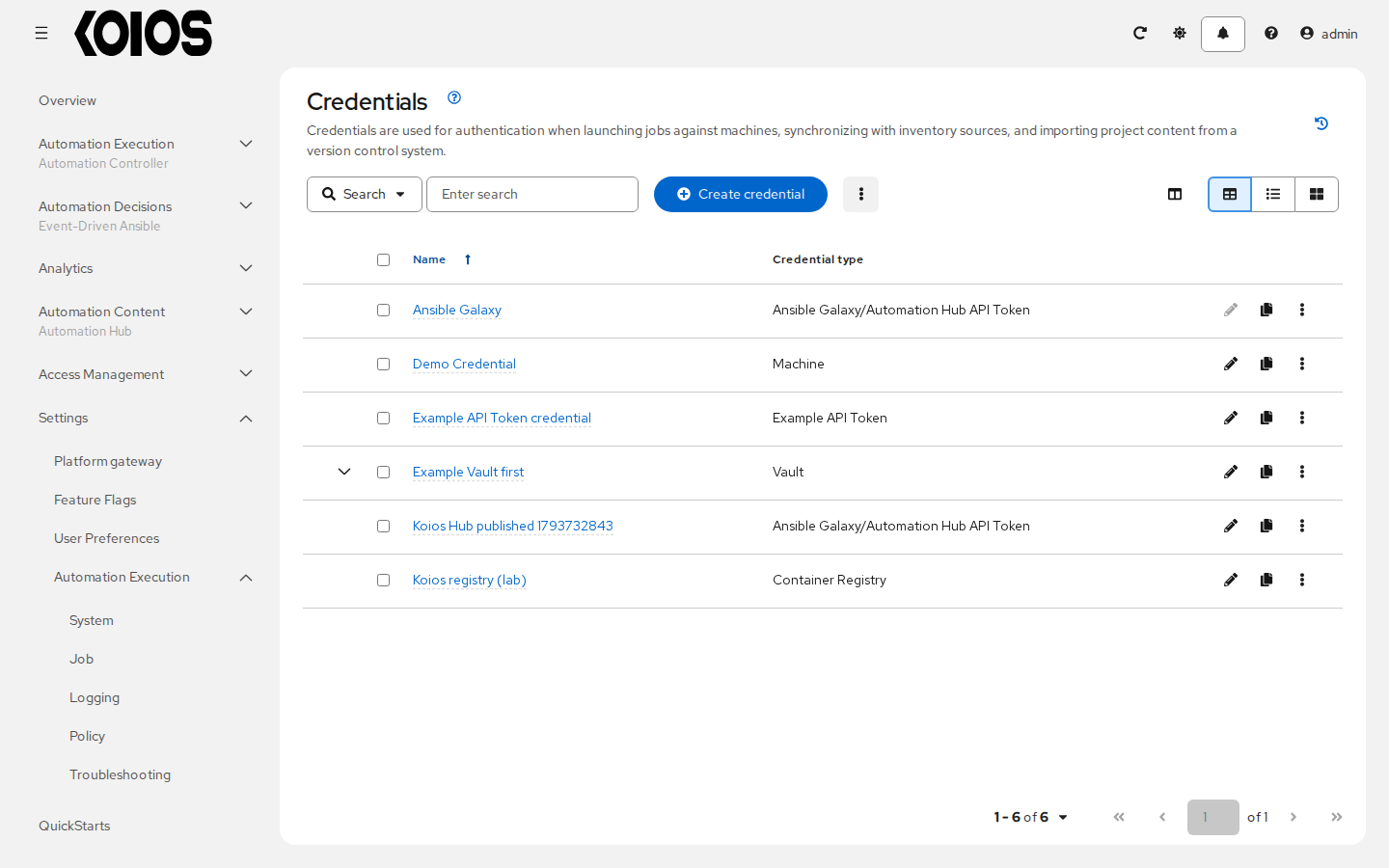
The initial Demo Credential has credential type Machine and the initial controller superuser’s username, normally admin. It does not contain a preloaded SSH password or private key. Click it to open Details and leave it unchanged.
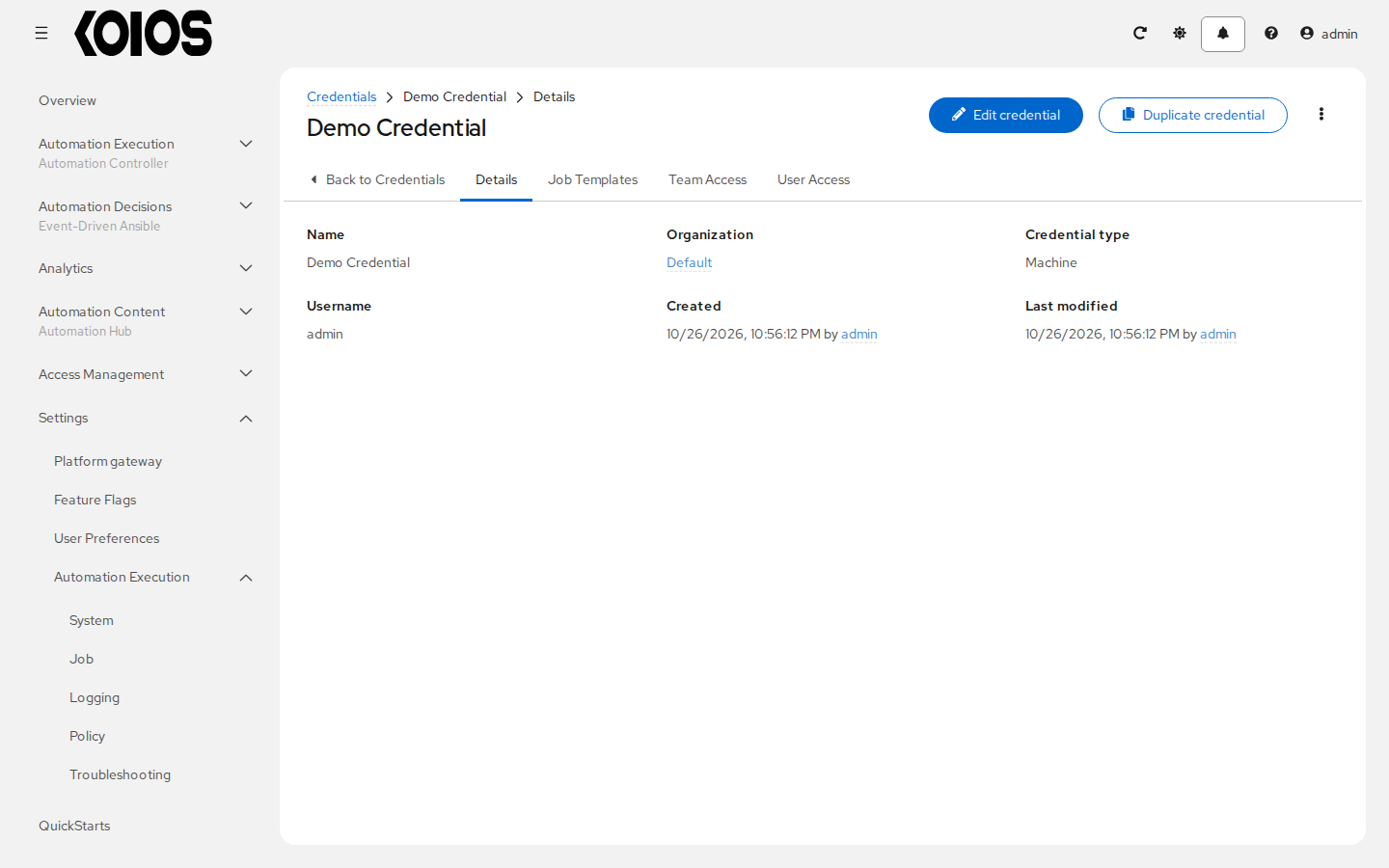
The demo inventory uses a local connection, so this job does not authenticate to a remote SSH server. Demo Credential is not the platform login credential and does not make admin a valid SSH account on other machines.
The preload also creates a managed Ansible Galaxy credential for https://galaxy.ansible.com/ and associates it with Default. It is used for project content dependencies, not as the Machine credential of the demo job.
To configure access to real managed hosts, click Create credential and choose the supported credential type and inputs you need. Never copy private values into documentation or screenshots. See Credentials.