
7. Review the Inventory
An inventory describes the hosts a job can target. Open Automation Execution > Infrastructure > Inventories and find Demo Inventory, owned by Default. See Quick Start if the initial demo resources are missing.
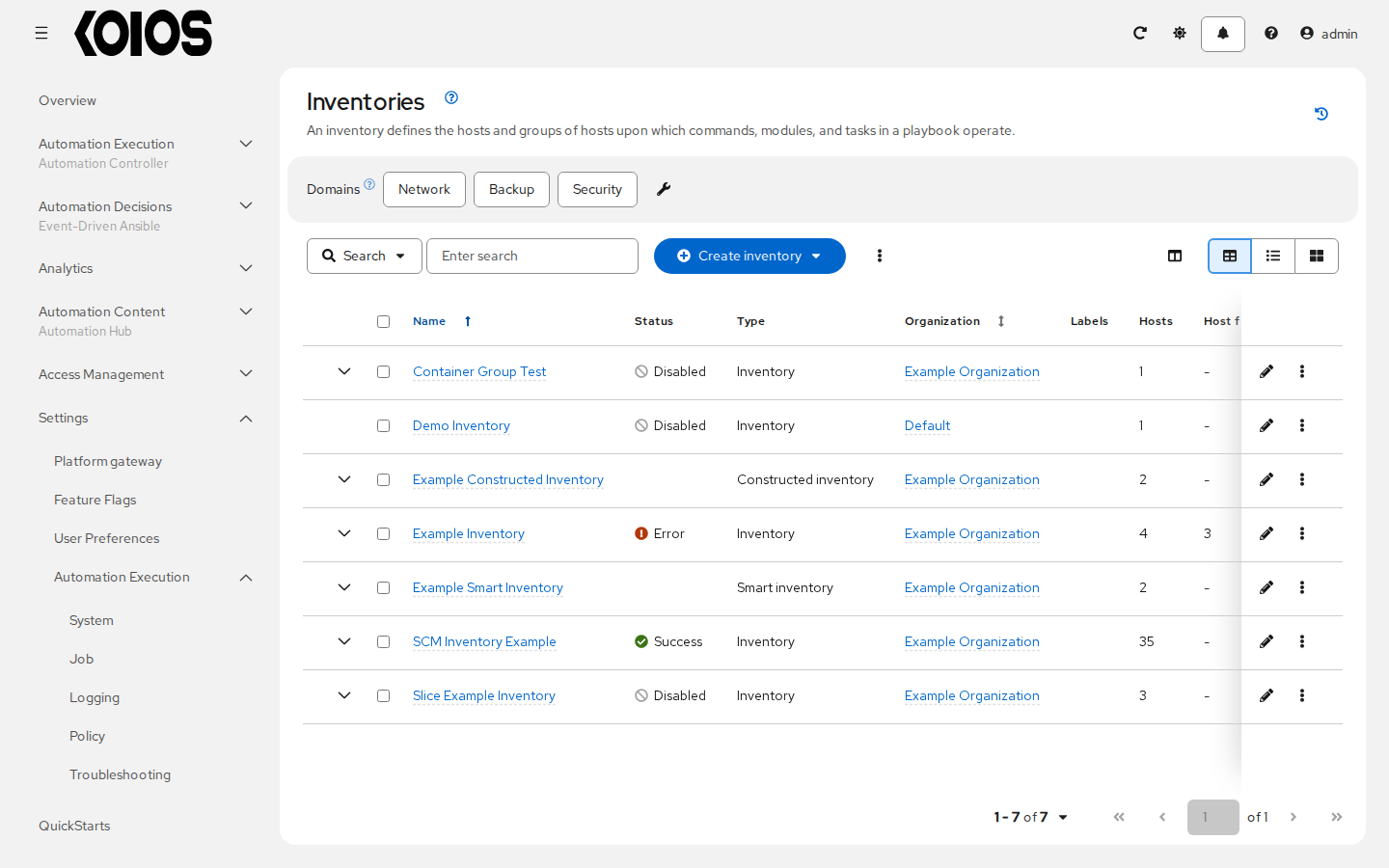
Click Demo Inventory to open Details, then select Hosts. The initial inventory contains localhost with these variables:
ansible_connection: local
ansible_python_interpreter: '{{ ansible_playbook_python }}'
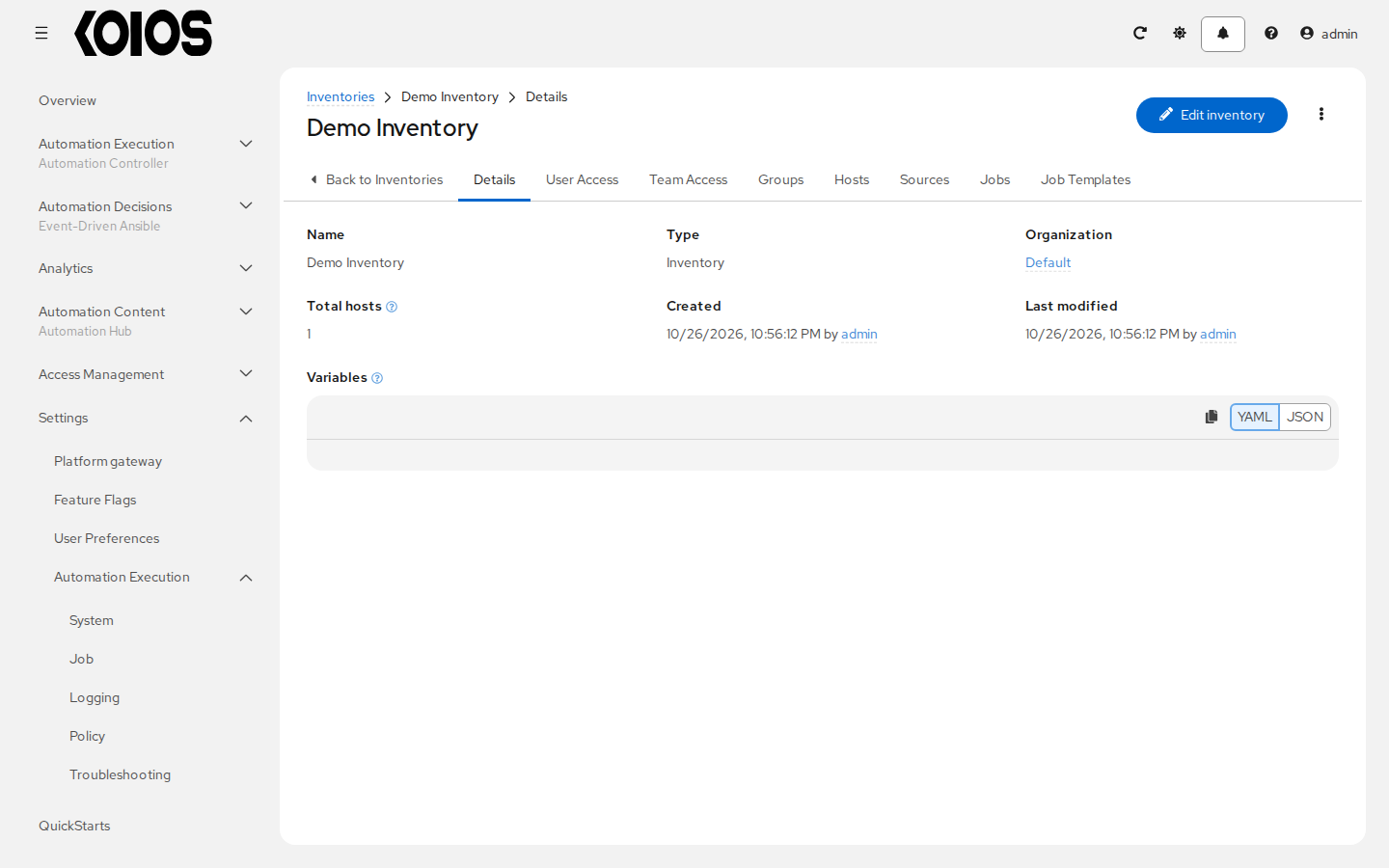
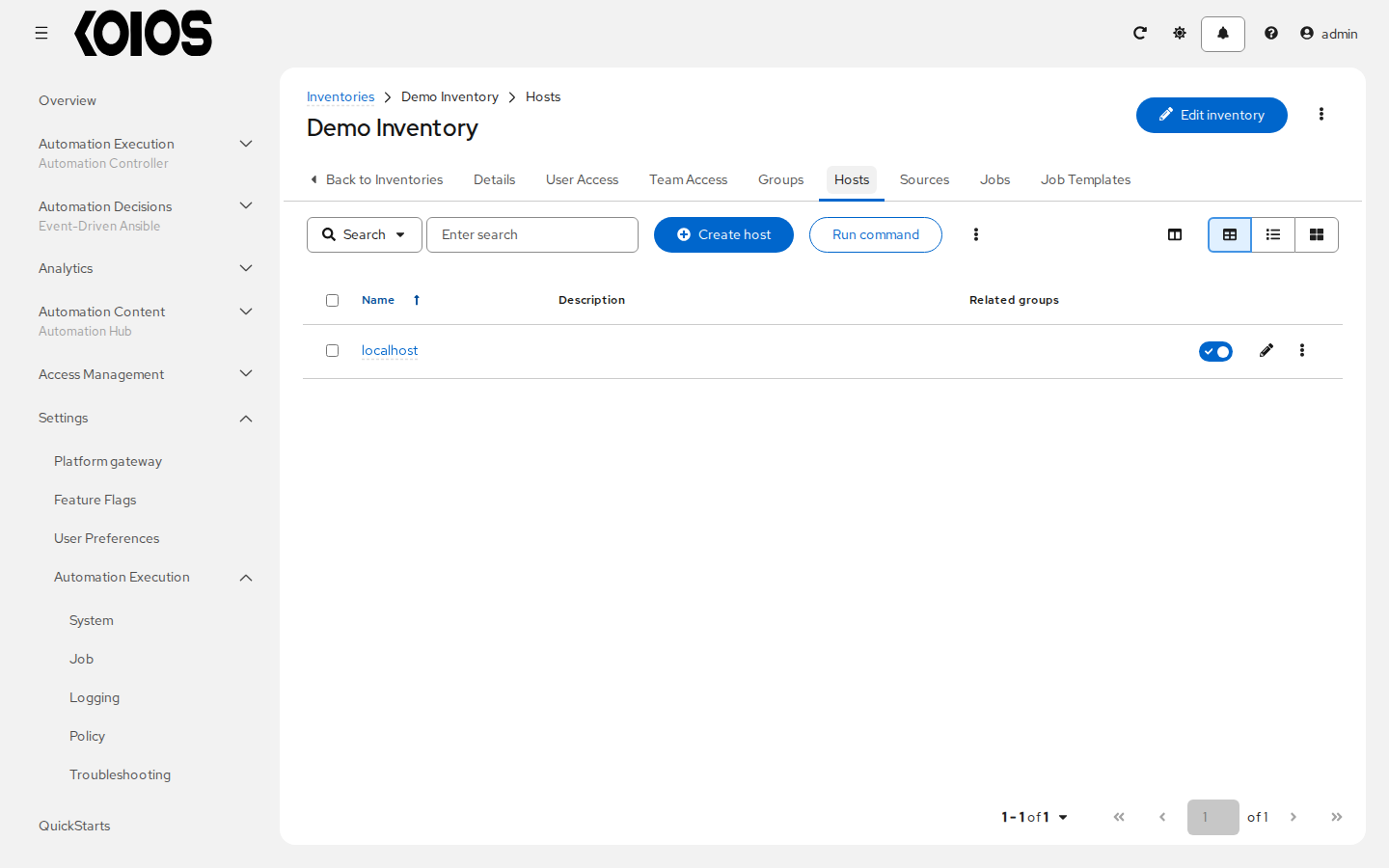
The local connection runs the playbook inside the job’s execution environment. Here, localhost is not your browser’s computer, the controller web pod or a Kubernetes host. Leave the host and its variables unchanged for this demo.
For your own managed machines, use Create inventory and add hosts with the appropriate connection variables and credentials. See Inventories.