
4. Review the Settings
Open Settings in the navigation menu. Platform gateway contains platform-wide login, session and password settings. Under Automation Execution, System, Job, Logging, Policy and Troubleshooting configure the controller. User Preferences controls your own UI preferences.
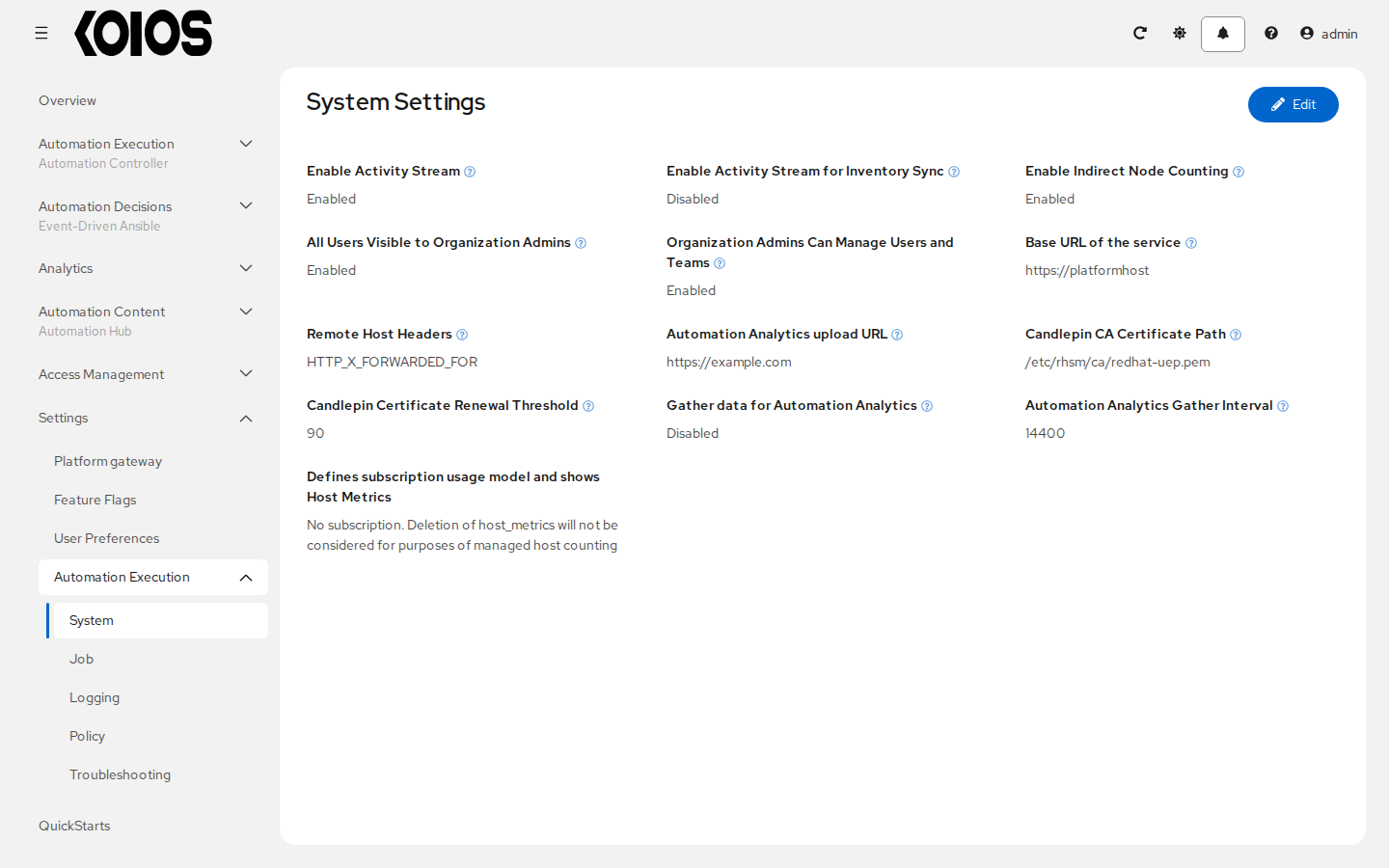
No settings changes are required for this demo. Leave deployment-managed fields unchanged; controller settings declared in spec.controller.extra_settings are read-only in the UI. See Automation Controller Configuration for configuration details.