
5. Review the Organization
An organization groups users and teams and scopes controller resources such as projects and inventories. Open Access Management > Organizations, which manages organizations through the platform gateway.
On a new installation with controller preload data enabled, Default owns the demo resources. The operator merges service data into the platform so the organization is available through the gateway. See Quick Start if it is missing.
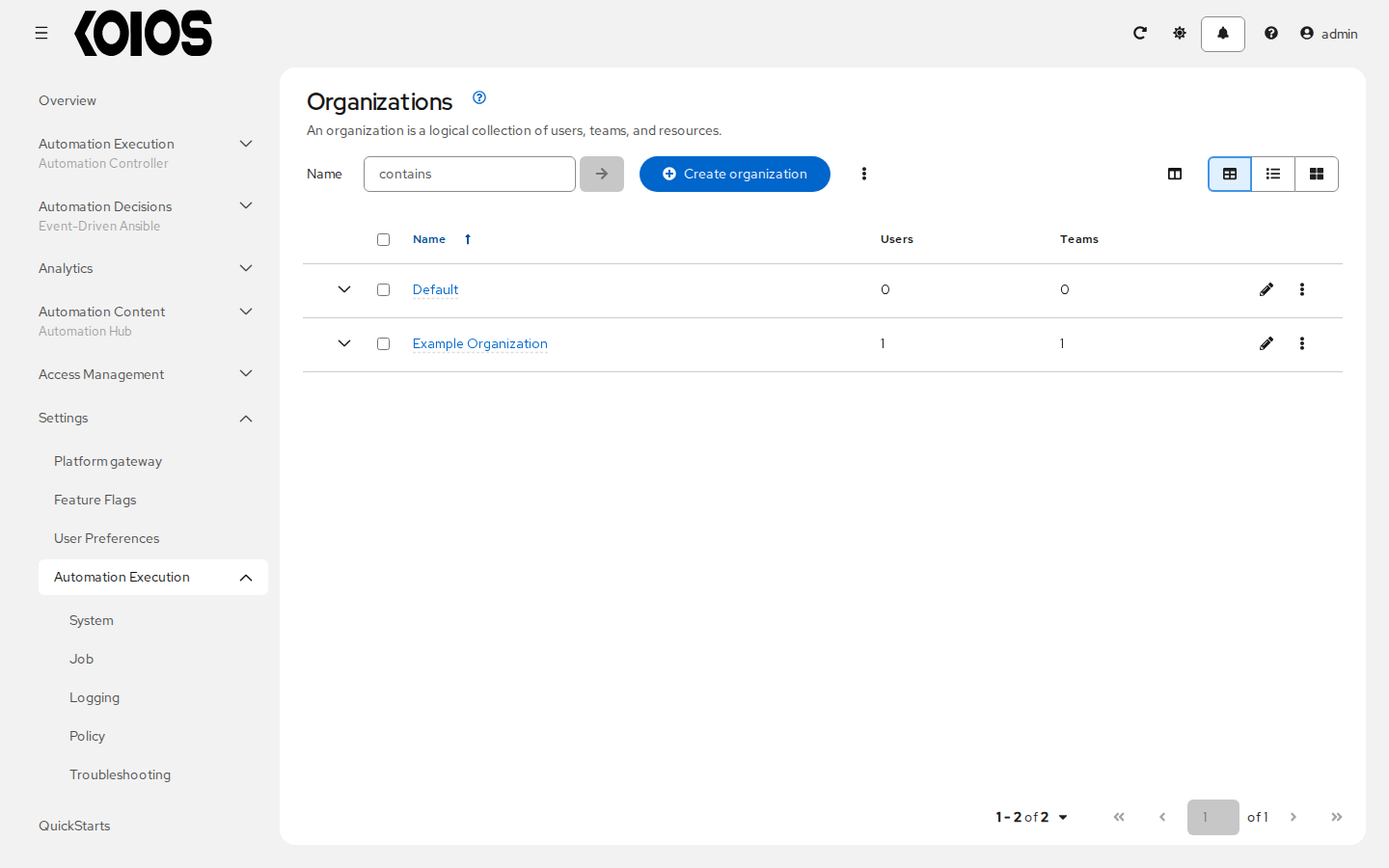
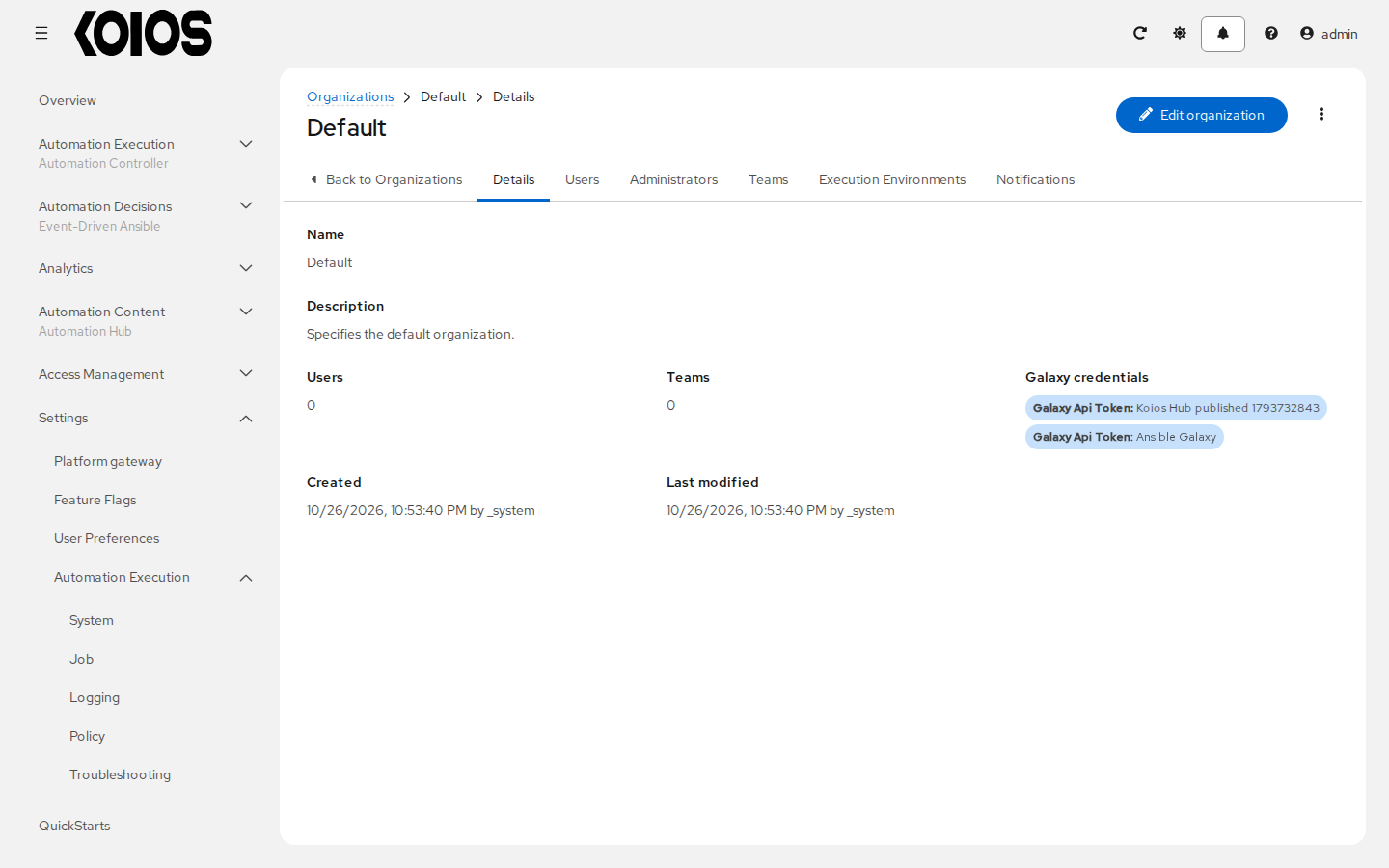
Click Default to open Details. Its membership tabs are Users, Administrators and Teams. Leave the organization unchanged for this walkthrough. An administrator can use Edit organization to change it later.
To create an organization, use Create organization in the list and complete the wizard. See Organizations for the full procedure. The Quick Start does not require another organization.