
9. Review and Sync the Project
A project supplies Ansible playbooks from source control. Open Automation Execution > Projects and select Demo Project. See Quick Start if the initial project is absent.
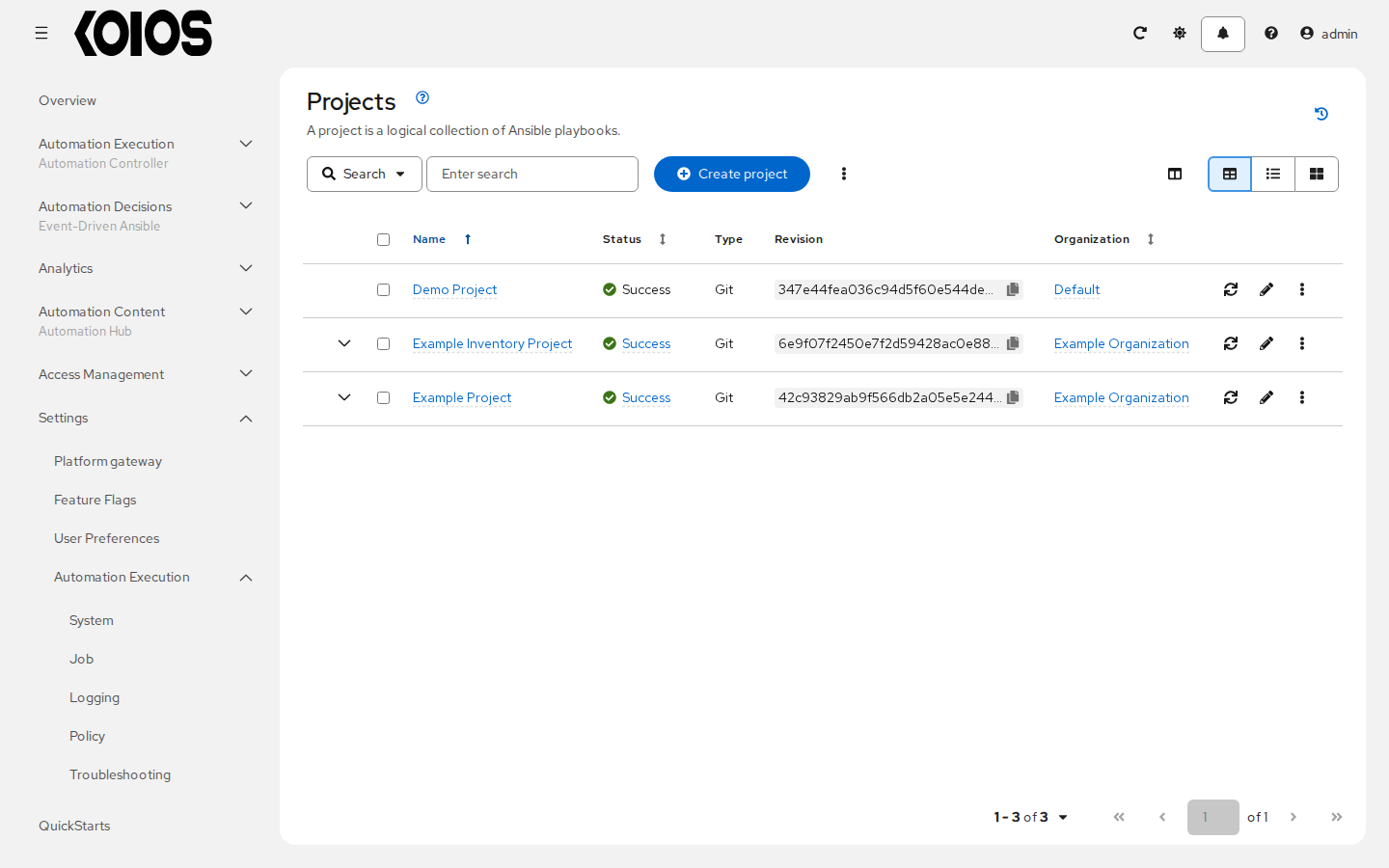
On Details, check Source control type and Source control URL. The preload configures a Git project at https://github.com/ansible/ansible-tower-samples and initially lists hello_world.yml as its playbook. It creates the project record without running a sync, so its initial displayed status alone does not prove that the repository was fetched.
Click Sync project and wait for the sync job to finish successfully. This fetches the repository using the project’s configured branch or revision; the available playbooks then reflect that checkout. The controller needs access to the Git repository for this step. If it fails, inspect the project sync’s Output under Automation Execution > Jobs before launching the demo template.
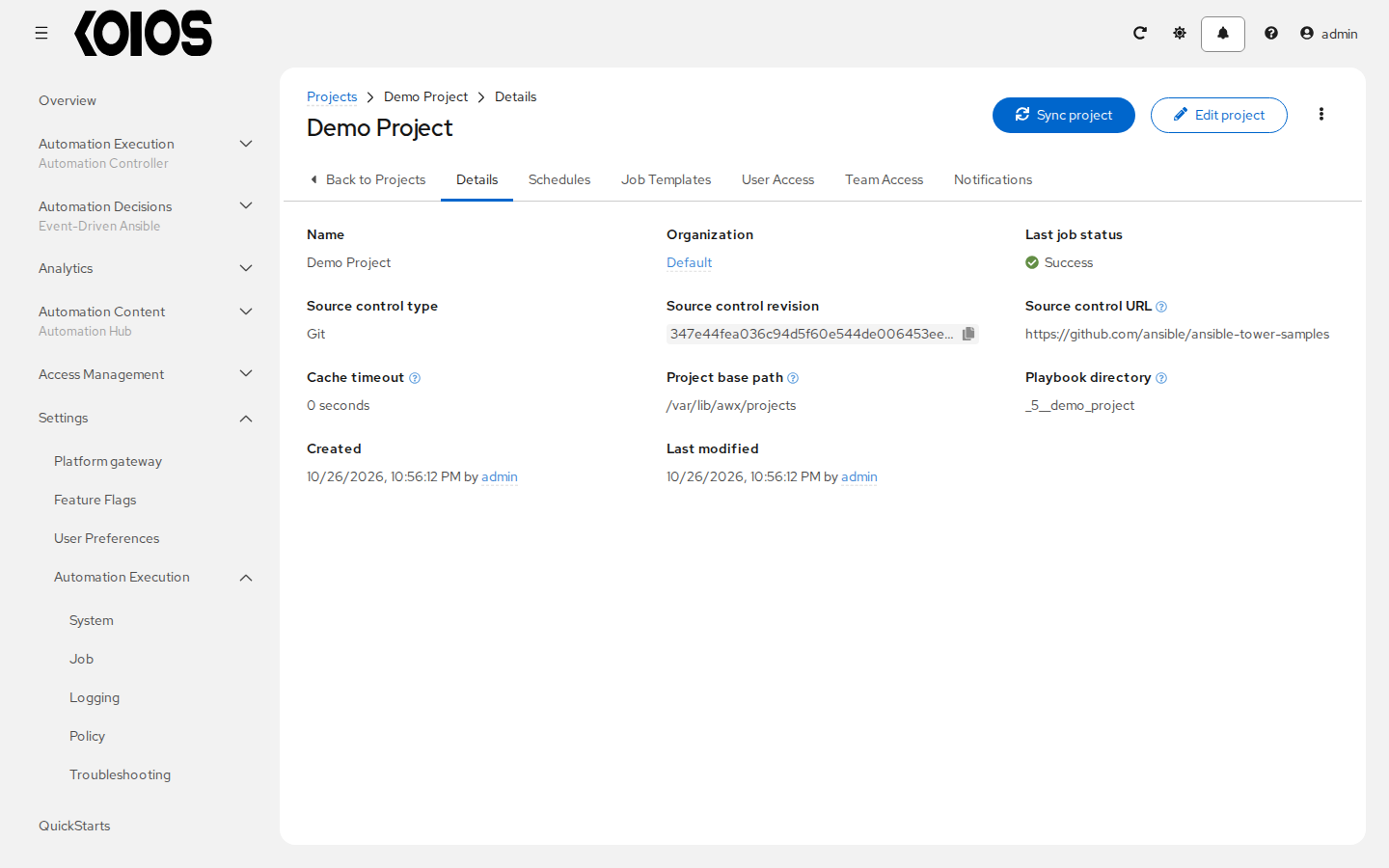
Keep the sample source for this walkthrough. For your own playbooks, use Create project and configure the appropriate repository and source control credential. See Projects.