
10. Review the Job Template
A job template combines a project playbook, inventory, credentials and execution settings. Open Automation Execution > Templates and select Demo Job Template. See Quick Start if the preload data is absent.
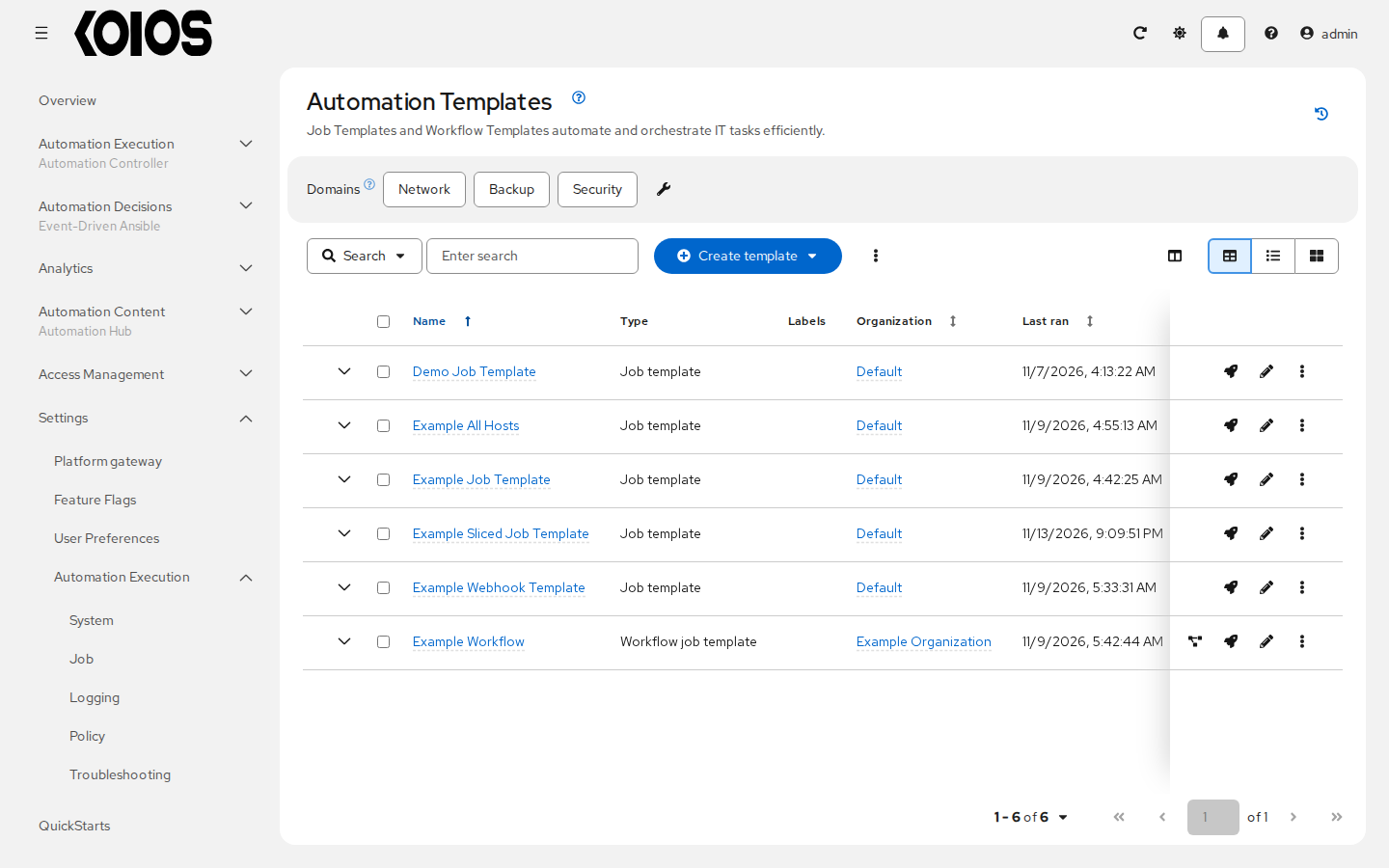
On Details, verify the supplied configuration:
Project: Demo Project.
Playbook:
hello_world.yml.Inventory: Demo Inventory.
Credentials: Demo Credential.
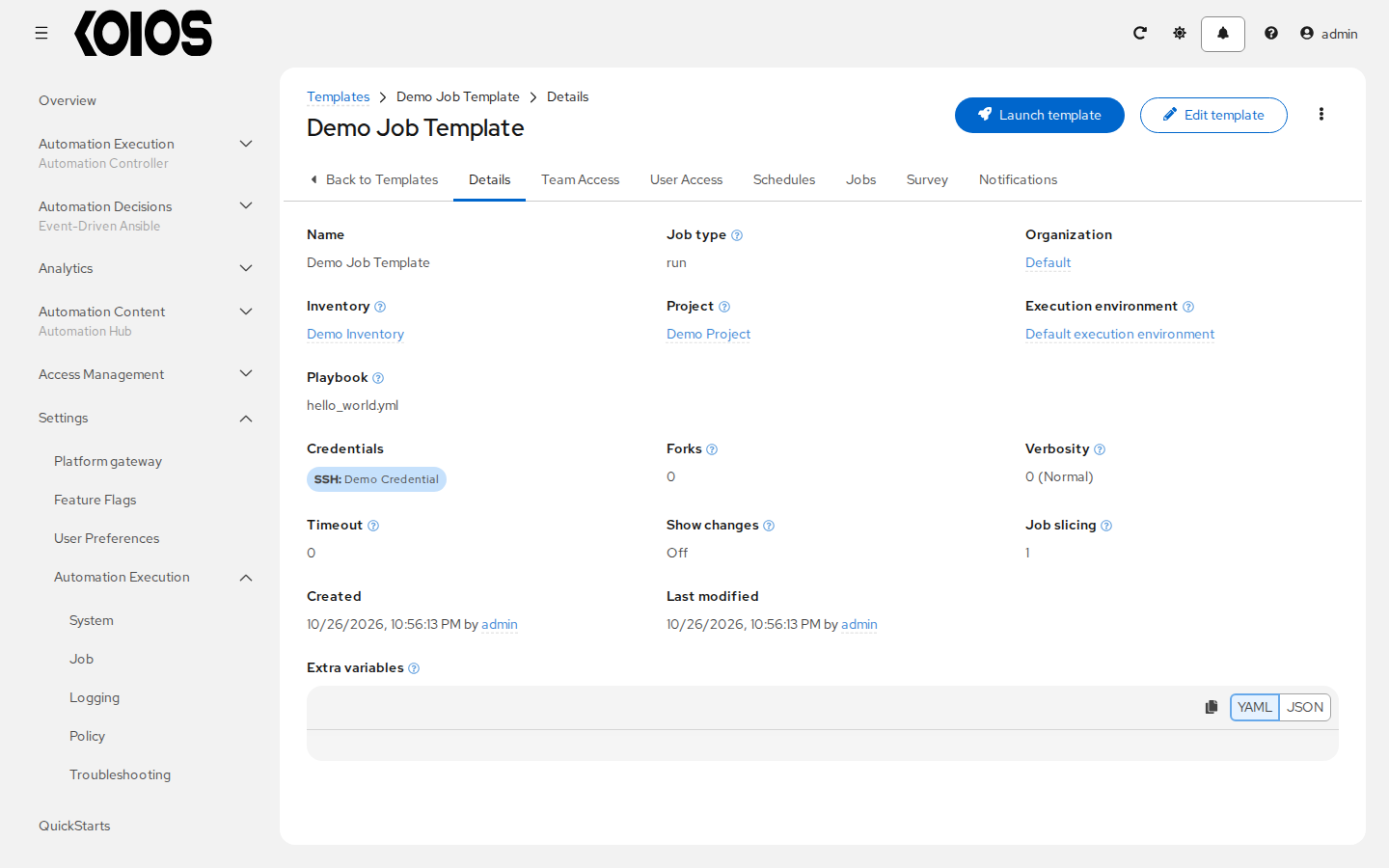
The preload does not assign a specific execution environment directly to this template; the controller resolves one through its execution environment defaults. The operator registers default execution environments during controller initialization. Ensure the configured image is available to the job’s execution location; see Execution Environments.
Leave the template unchanged after successfully syncing Demo Project. Its Jobs tab will show the runs launched from it. To create another job template, use Create template > Create job template; see Job Templates.